


Rust guides and tools
How to join the server, troubleshoot the error, navigate the monument, and assess the loot. For the first wipe - server selection and starting plan.
 Are you new to Rust?
Which Rust server should a beginner choose
Open → Can't log in?
How to connect to a Rust server by IP
Open → Are you looking for a fresh wipe?
Rust wipes today: schedule for our servers
Open →All materials
Materials found: 20
Start playingWhich Rust server should a beginner choose
Selecting a Rust server based on PvP/PvE, game pace, wipes, and team restrictions. An assistant will help you choose options from the current catalog.
Open →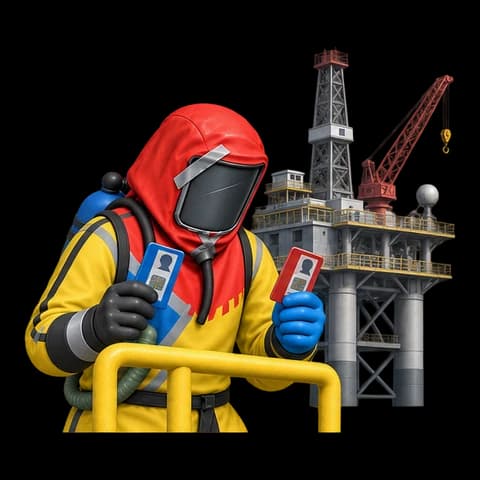 Monuments
Small and large Oil Rigs in Rust
Preparation for Oil Rig, approach from the water, clearing floors, red room, heavy scientists, and safe loot extraction.
Open →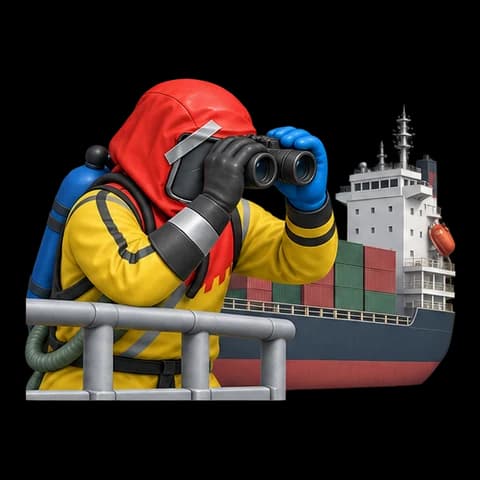 Monuments
Cargo in Rust: how to get in, grab loot, and leave
Cargo Ship route: boarding from the boat, clearing the deck, looting crates, docking at the harbor, and leaving before the ship departs.
Open →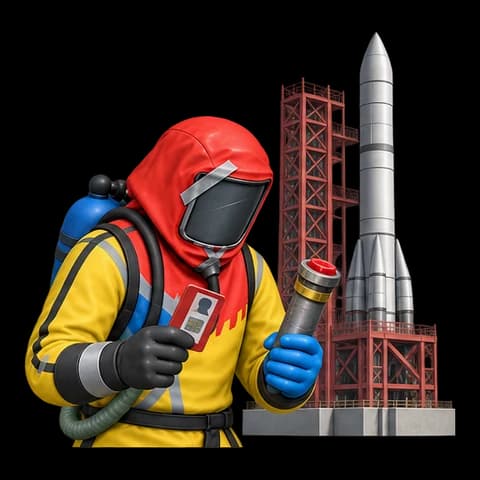 Monuments
Rust Spaceport: Red Card and Launch Site route
What to bring to the Rust launch site: cards, fuses, radiation protection, activation sequence, and roof exit.
Open →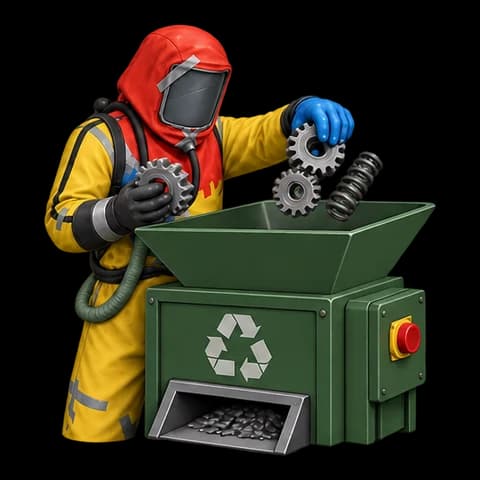 Tools
ToolsRust Component Recycling Calculator
Calculate scrap, metal, HQM, and cloth from Rust components. Modes 40%, 50%, 60%, and 75%, guaranteed and average output.
Open → Tools
ToolsRust CCTV camera codes: search and copy
Codes for Oil Rig, Outpost, Bandit Camp, Cargo, and other monuments. Search by name and assistance with No Signal.
Open →Start playingHow to connect to a Rust server by IP
Connecting to Rust via F1 and Steam: a ready command for project servers, favorites, and login error solutions.
Open →WipesRust wipes today: schedule for our servers
Today's and upcoming server wipes from the project's calendar: date, time in Moscow, wipe type, and connection details.
Open → Skins and events
Twitch Drops Rust: how to get and claim skins
Linking Steam and Twitch, selecting a broadcast, tracking Drops progress, and receiving Rust items. What to do if the reward doesn't appear.
Open → Help
HelpHelp with Rust: login, loading, and errors
Can't connect to a Rust server? Choose a symptom: EAC, client version, map loading, crashing, or server not showing in the list.
Open → Help
HelpRust doesn't see the server in the list: what to do
How to find a Rust server, reset any interfering filters, and connect via IP if the in-game search doesn't display the server.
Open → Help
HelpRust: Connection attempt failed and login timeout
Checking the address, server status, and network when encountering "Connection attempt failed" or connection timeout in Rust.
Open → Help
HelpEAC Authentication Timeout in Rust: solution
Action plan from Facepunch support: launch Rust through Steam, update EAC cache, verify files, and restore anticheat.
Open → Help
HelpRust is not downloading the map or stuck on loading.
What to check for World File Outdated, World File Mismatch, Downloading World, and Rust server map download error.
Open → Help
HelpWrong Connection Protocol: Rust version does not match
How to fix the client and server version mismatch in Rust after updating the game.
Open → Help
HelpRust crashes when entering the server
How to check files, available memory, and Rust settings when crashing during server loading.
Open →Settings and ControlsBinds and console commands in Rust
Rust binds with key selection, copying, and canceling: auto-run, auto-attack, bandage, and combatlog. FPS, ping, and settings save command guide.
Open →Settings and ControlsHow to increase FPS in Rust and get rid of freezes
Rust settings based on symptoms: low FPS, freezes, and high ping. Checking graphics and memory settings, comparing six measurements before and after changes.
Open →ToolsRust raid calculator
Several goals, comparing explosives and resources for crafting.
Open → Maps and wipes
Current Rust server maps: seed and size
Seed, size, and map of the current wipe on our Rust servers. Choose a server and check the data before joining.
Open →