







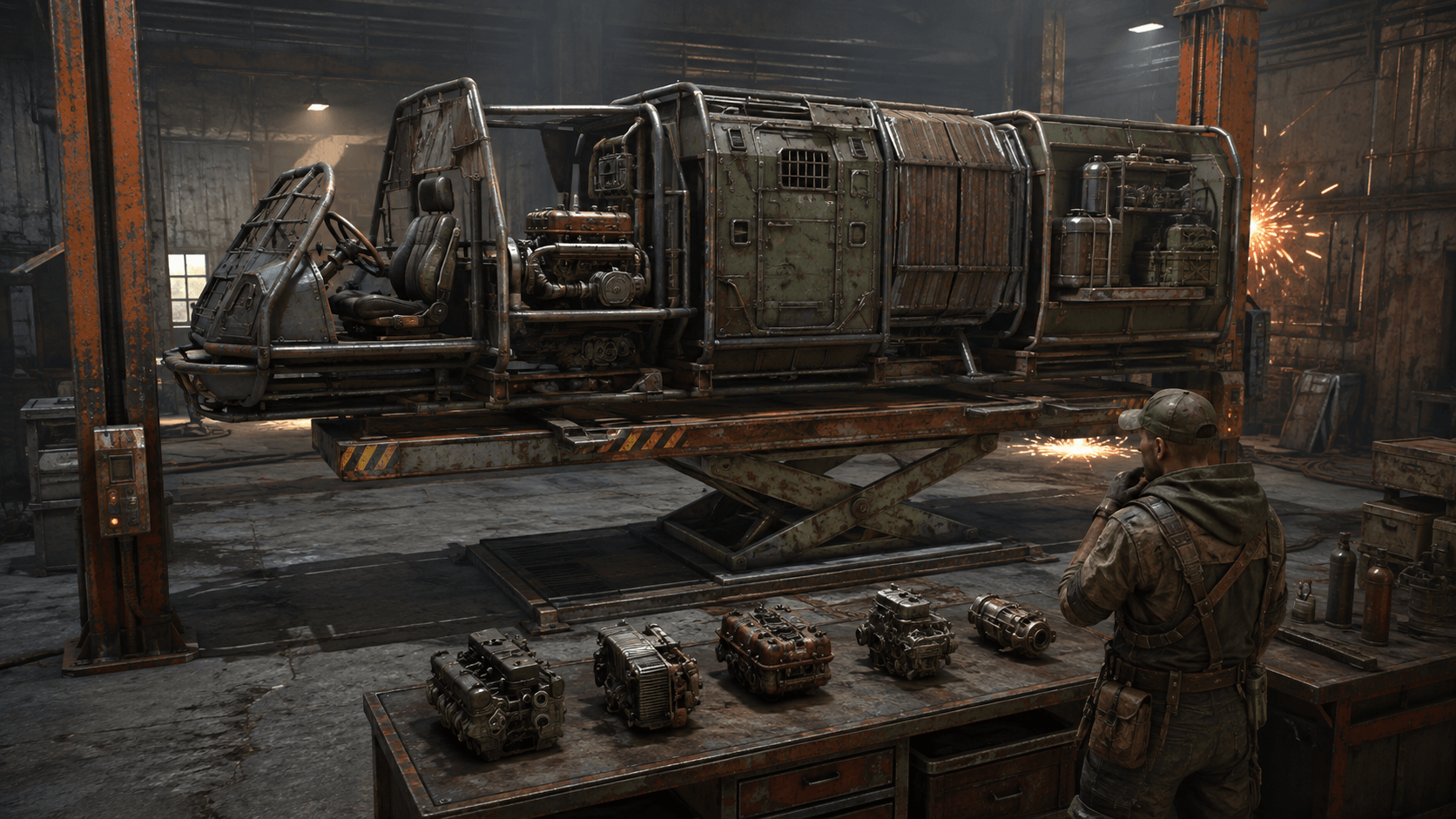
How to find, start, and protect a modular car in Rust. All engine parts, modules, lift, and ready-made builds for solo and team play.
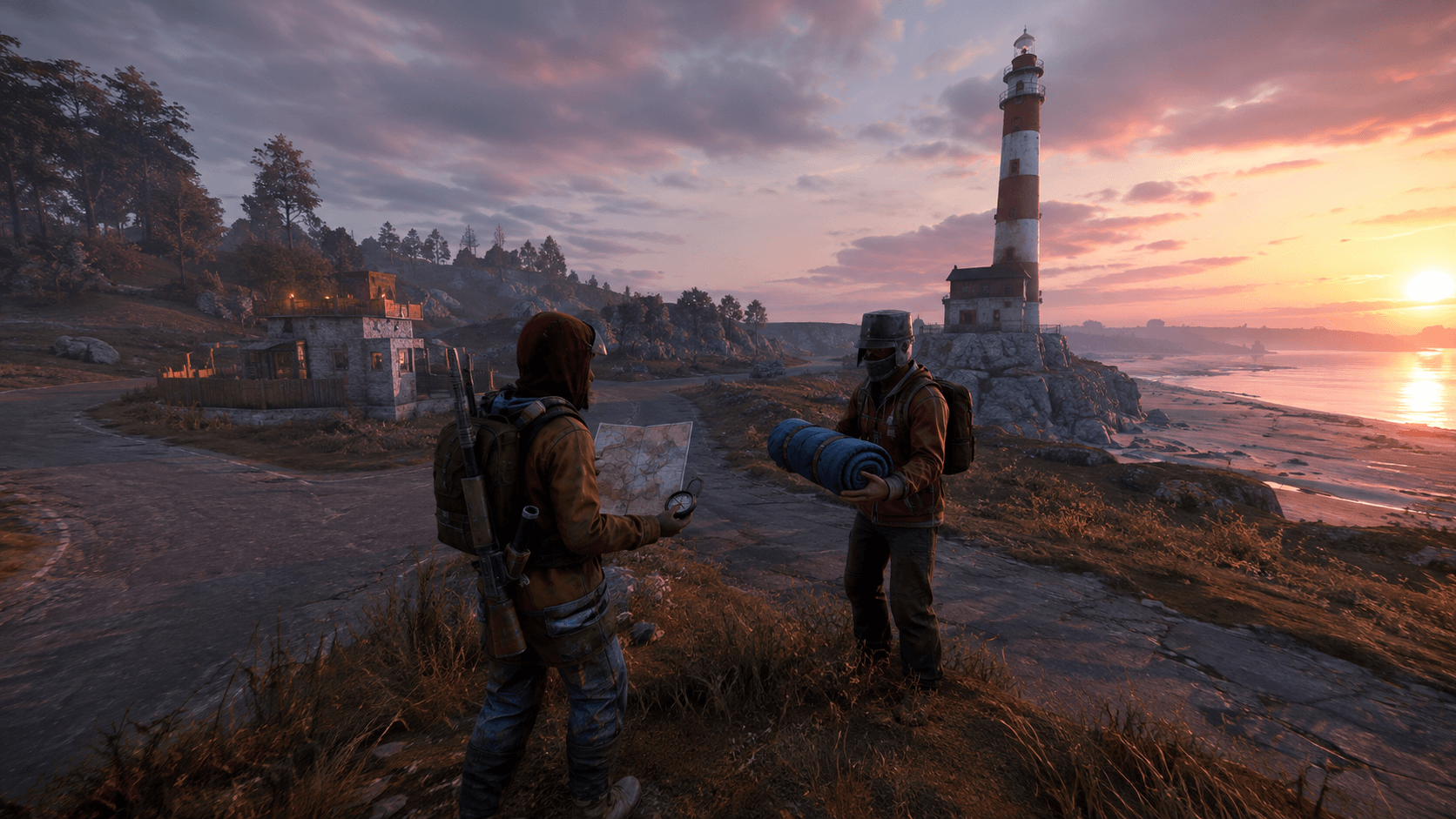
How to quickly find a friend in Rust: check the server, read the map, choose a landmark, create a team, share a sleeping bag, and safely meet up.

Where to follow Rust updates: fresh devblog, roadmap, Staging, patch notes, hotfixes, and preparation for the global server wipe.
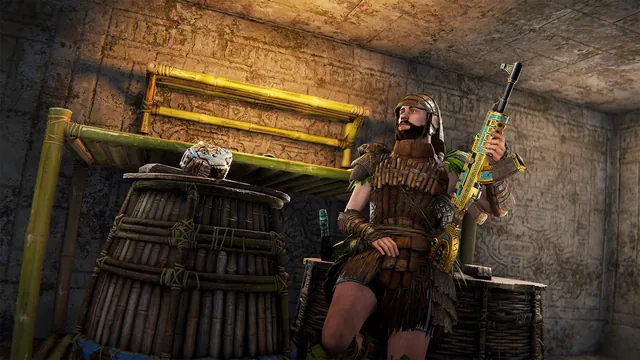
All Rust DLCs and regular bundles: prices, contents, building skins, Artist, Bar Games, Arctic, and Warhammer. What to choose for base building, creativity, and RP.
Frequently Asked Questions about Rust: servers, wipes, base building, sleeping bags, blueprints, weapons, FPS, and beginner's first steps after a global wipe.
Open the console with F1 and paste the command in its entirety. To bind, first select an action and a free key below. There is an explanation next to each command, and for the bind - a way to remove it.
Latin letter, number, F2-F12, or mouse3-mouse6. First, check if the key is free: the command will replace its current action.
bind x forward;sprintTo stop, press W - the regular forward movement key.
bind x ""The team is clearing the key. If it had a different action before, reassign it in the control settings or restore your keys.cfg.
It shows hits and damage. The data appears with a delay; it's not an enemy radar.
combatlogFrame rate counter in the corner of the screen. For memory and latency, you can use "perf 4."
perf 1Disable the in-game performance statistics (perf).
perf 0Ping is measured in milliseconds. It does not show the frame rate.
pingPerform after checking the new bind.
writecfgChanges the display of weapons. For the left hand, specify 1 instead of 0.
graphics.vm_horizontal_flip 0Looking for available commands based on the name in your version of the game.
find graphicsClearing a bind releases the key but does not remember its previous assignment. Restore the action through the control menu or restore your copy of keys.cfg with the game closed. Reset all keys only if you are ready to reconfigure the rest of the binds.
In the generator, select "Weapon Hand Swap": the key will switch the model side. The command graphics.vm_horizontal_flip 0 returns the right hand, value 1 enables the left. Removing the bind clears only the key, so restore the side separately if needed.
Command syntax, ways to stop and cancel are cross-checked with Facepunch Wiki. Control menu changes verified according to the June 2026 update.
Choose a game mode and copy the server address without registering on the website.





Latest comments