












How to find a friend in Rust: map, command, and sleeping bag
Finding a Friend in Rust can be more challenging than surviving the first night: players spawn on different parts of the coast, the map is vast, and one wrong landmark can lead the team in the opposite direction. A reliable method is to first check the server, then compare the map and monuments, meet at a safe point, create a team, and transfer a sleeping bag.
Ensure You Are on the Same Server
Matching names is not enough: a project can have multiple modes with similar names. Compare the address, port, online status, map size, and wipe time. The easiest way is to check the server history or copy the exact address from the SIMPLE RUST servers page. If one player sees day and another night, different monuments, or different online status, the connection almost certainly does not match.
For a direct connection, open F1 and use client.connect IP:PORT, entering the address of the desired server. Do not share your account details or base codes in public chat. The server address is safe, but your account password is not.
Open the Map and Agree on Names
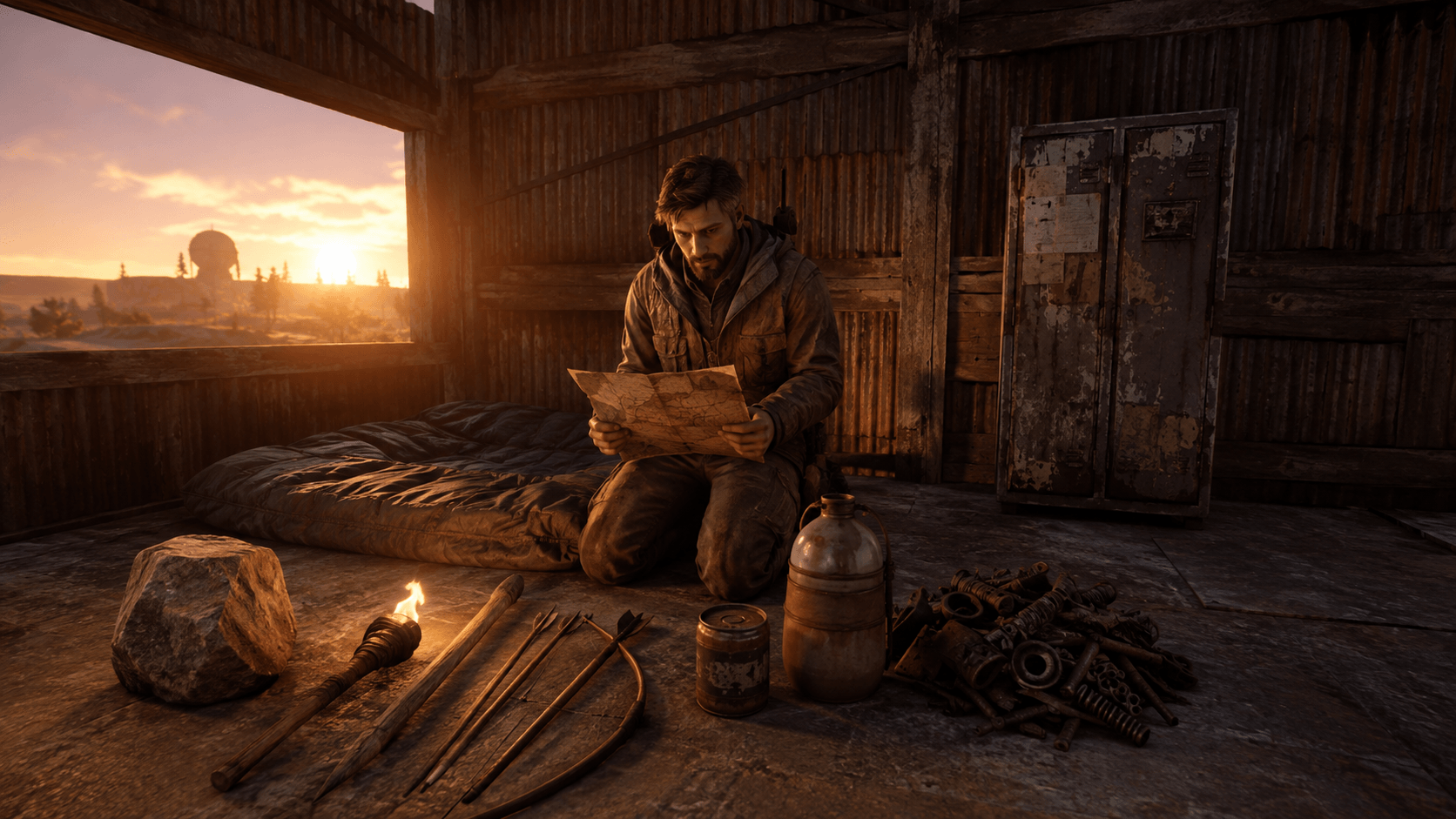
By default, the map opens with the G key. It shows biomes, roads, coastlines, railways, monuments, and safe zones. Team members can also see each other and shared markers. Before creating Teams, you will need to communicate through voice chat or messenger.
Name landmarks consistently. Instead of "I'm by a big building," say: "South of the Supermarket, on the road, from the desert side." Use directions like cardinal points and describe the coast shape. The more precise the description, the less time both players spend in the open.
Suitable Landmarks for Meeting
| Landmark | Advantages | Risks |
|---|---|---|
| Road bend | Easy to find | Many farmers and ambushes |
| Biome edge | Visible from afar | Line can be long |
| Small monument | Clear point | Other players go for loot |
| Safe zone | Fewer direct attacks | Path can be long |
| Rock or cape | Few random passersby | Similar shapes can be easily confused |
Do not meet at the door of your future base. A stranger may be tracking one of you. Choose an intermediate point one or two squares away, meet there, and only then return home by different routes.
How to Read Map Coordinates
Divide the path into squares and name not only the current square but also the border you are heading towards. The phrase "I'm going from H12 to H11 along the west road" is more useful than just saying "I'm in H12." If the coordinate grid is altered by the server interface, rely on the nearest monument and direction.
Place the marker not directly on yourself, but at the meeting point. This way, both players understand the goal and can choose a safe route. The shared marker is visible to all team members after creating Teams, but remember to remove old markers: a misplaced marker can lead the group back to the previous base.
How to Create a Teams Team
One player creates a team through the in-game interface, approaches the teammate, and sends an invitation. The second player accepts it. After that, team members can see each other on the map, use team chat, and share markers. The system reduces the risk of friendly fire but does not make the ally invulnerable.
Before combat, agree on clothing, attack direction, and short voice commands. The marker on the map shows the position, but in close quarters, appearance and voice are more important. Do not accept invitations from random players: the team list reveals useful information about movement.
How to Craft and Transfer a Sleeping Bag
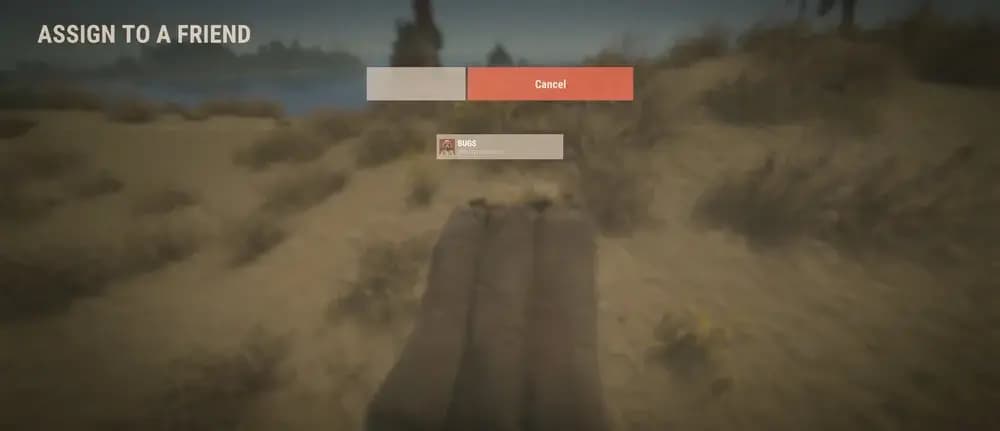
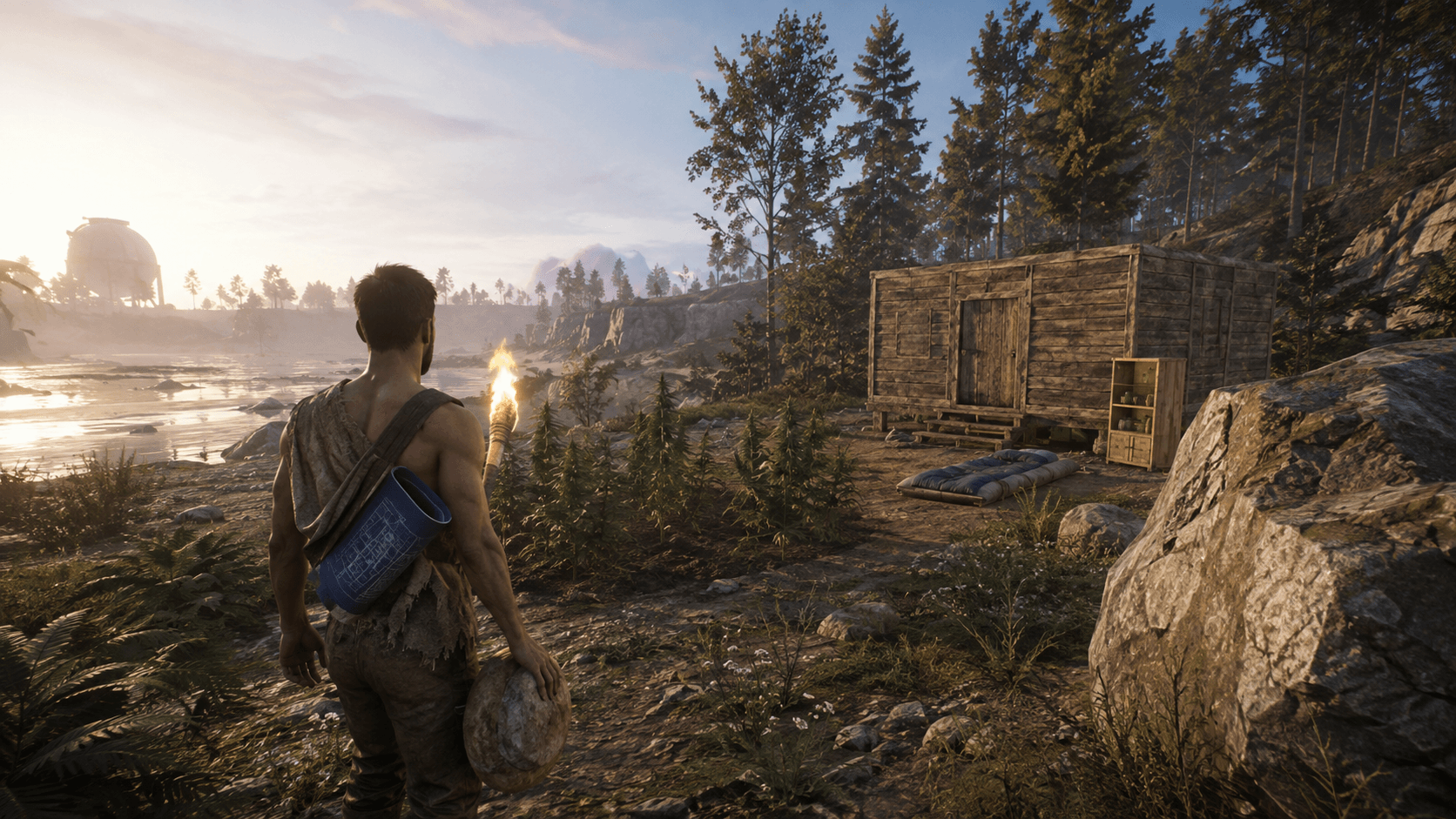
A sleeping bag is crafted from 30 cloth. Wood is easier to find along the forest and fields, and cloth can also be obtained through other in-game methods. Place the bag on a flat surface, open its menu, and assign it to your friend. Once assigned, your friend will see a new respawn point.
A transferred bag is especially useful if a player spawns on the other side of the map. However, dying for a teleport saves time only when your inventory is empty, and there are no respawn restrictions. Do not leave valuable resources on the beach and avoid using the kill command accidentally; use a safe key combination instead.
Where to Place Bags for the Team
Place the first bag not at the door but behind cover at a short distance. The second can be placed inside the base after it's secured. The third can be useful along a farming route or as a backup stash. Having multiple points provides options if one is destroyed or controlled by enemies.
Do not store all bags in one room: a shared timer and a single raid will limit the team's options. Label them with clear but not too revealing names. If a player leaves the group, check the points and lock codes assigned to them.
Safe Route to Your Teammate
- Store rare loot in a stash or temporary base.
- Take only tools, a bit of food, and a basic bow.
- Travel along the edge of the forest or terrain, not the center of the road.
- Stop before monuments and listen for gunshots.
- Report a new landmark every few minutes.
- If you die, name a point and change your route.
Attempting to meet with a full inventory adds unnecessary pressure. Your goal is to reunite the team, not transport all starting capital halfway across the map.
Meeting Through a Safe Zone
Outposts and other safe zones serve as recognizable landmarks, but players often wait at their borders. Put away your weapon, heed security warnings, and avoid provoking conflict. Agree on a specific exit point: "eastern road" is clearer than "outside."
If one player carries resources, the other can scout the exit in advance. Do not linger in one place for too long and avoid discussing your base address in voice chat near strangers. In Rust, information is sometimes more valuable than items.
Finding a Friend Without a Map
Sometimes the map is unavailable due to server settings or a temporary issue. Use the sun, coastlines, power lines, roads, railways, and the unique silhouette of monuments. Clarify which side the sea is located. "Sea on the right, heading north on the asphalt" provides direction even without coordinates.
Do not rely solely on the sun over a long session; it moves. Recheck constant objects every few minutes. If communication is lost, prearrange a backup point and waiting time.
What to Do If You Keep Getting Killed
Change your target. A popular monument, central road, or narrow bridge can turn your path into a trap. Take a detour, move at night, or meet at a less valuable landmark. Place intermediate bags to prevent death from sending you back to a distant shore.
Use principles from the Rust beginner guide: regularly stash your loot, avoid obvious routes, and stick to simple weapons. A costly loadout does not guarantee success if the opponent already controls the road.
How to Distinguish Your Friend from an Enemy
Name the clothing and items in hand: "green shirt, torch, jumping twice." Use a short code word not used in general voice chat. In the dark, extinguish your torch before the final approach; otherwise, you'll be noticed by everyone around.
After creating Teams, check the marker above the character, but do not automatically shoot at a silhouette. In a large group, assign directions: who watches the north, who stays by the road. Clear communication reduces friendly fire more than any settings.
What to Bring to Your First Shared Base
One player gathers wood, another gathers stone and metal, a third looks for cloth and components. For a minimal base, you need a building plan, hammer, door, lock, and cupboard. Immediately create an airlock and several boxes. Do not expand until the entrance is secured.
Distribute spare sets among different containers. The Rust components guide will help you decide what to keep and what to recycle. If base power is planned, the electricity guide will be useful.
Commands and Binds for Communication
Team chat allows you to communicate without revealing messages to the entire server. It's useful to bind a convenient key to a team phrase, but avoid putting critical actions on buttons you press in combat. After changing binds, execute writecfg to save the configuration.
Functional examples and syntax rules are compiled in the Rust console commands guide. Commands for regular players and administrators are separately noted.
Transporting the Team After Meeting
Once everyone is gathered, part of the journey can be done on horses, boats, or modular cars. Transportation speeds up the move but makes noise and attracts attention. Assign a driver, a passenger-observer, and a backup point in case the transport is destroyed.
For car travel, check the engine details, fuel, and lock. Transport configurations are explained in the Rust modular cars guide. Do not load all your supplies in one trip without scouting ahead.
What Not to Immediately Share Even with Allies
A new acquaintance should not instantly receive the main code, the location of all loot, and access to the cupboard. Play together first, use the guest part of the base, or a separate entrance. If someone comes from general chat, be friendly but keep a backup plan.
Do not post map screenshots with your exact base location. Do not disclose coordinates in global voice chat. After changing the team composition, update codes and check turrets, bags, and authorization.
Meeting Plan After a Global Wipe
Prior to the start, choose the server, team leader, and two possible areas. During the wipe, compare spawn points instead of blindly running to a preselected square: map generation and competition can make it inconvenient. The player closest sets up a temporary base and prepares bags.
Keep track of wipe dates in the wipe calendar. A good team meets quickly not because everyone luckily spawned nearby, but because they know the sequence: server, landmark, safe route, Teams, bag, base.
Quick Checklist
- Verify the server address and mode;
- open the map and name the nearest monument;
- assign a point away from the base;
- travel without valuable loot;
- create a team and accept the invitation;
- transfer the sleeping bag;
- set up backup respawn points;
- only then transport shared loot.
If one stage fails, return to the last confirmed landmark. Simple discipline saves more time than a risky sprint across the map.
Role Distribution Before Meeting
Even when far apart, players can work towards a common start. The one closer to the chosen area gathers wood and sets up a temporary home. The player on the road looks for components and scrap, while the one near the river stocks cloth, food, and low-grade fuel. Do not try to build a full base for each player; a bag, stash, and minimal shelter are sufficient.
Appoint a coordinator. They update the meeting point, monitor Teams composition, and decide on route cancellations. When everyone changes plans simultaneously, the group disperses even further. The coordinator does not have to be the best shot; clear communication of precise landmarks is more important.
Verification After Team Connection
Once gathered, count players, give identical codes only to verified members, and remove extra markers. Ensure each player has an internal bag, basic kit, and clear exit. Check who is authorized in the cupboard, turrets, and electrical devices. Access errors are often discovered when the base is already under attack.
Take a short joint route without top-tier weapons. This helps the team get used to voice commands, clothing, and movement pace. After returning, distribute loot among containers and agree on who is responsible for doors. The meeting is considered complete not at the handshake by the road but when everyone can safely respawn and recover from the shared base.
Latest comments