








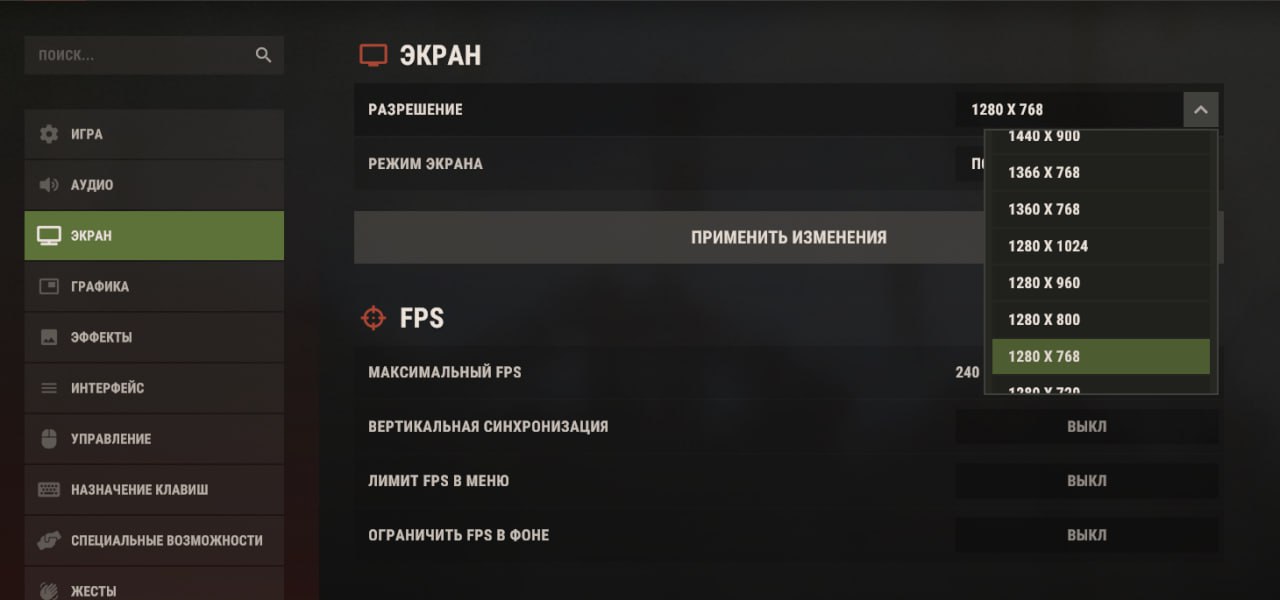
How to remove freezes and increase FPS in Rust: memory check, paging and SSD, CPU and GPU diagnostics, graphics settings, and commands. PC requirements for October 2026.
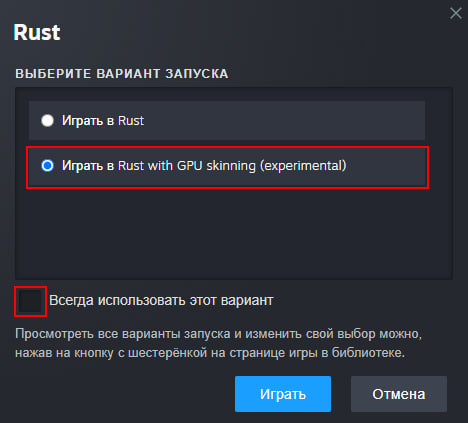
A guide to getting 15-40 FPS in Rust. Testing details.
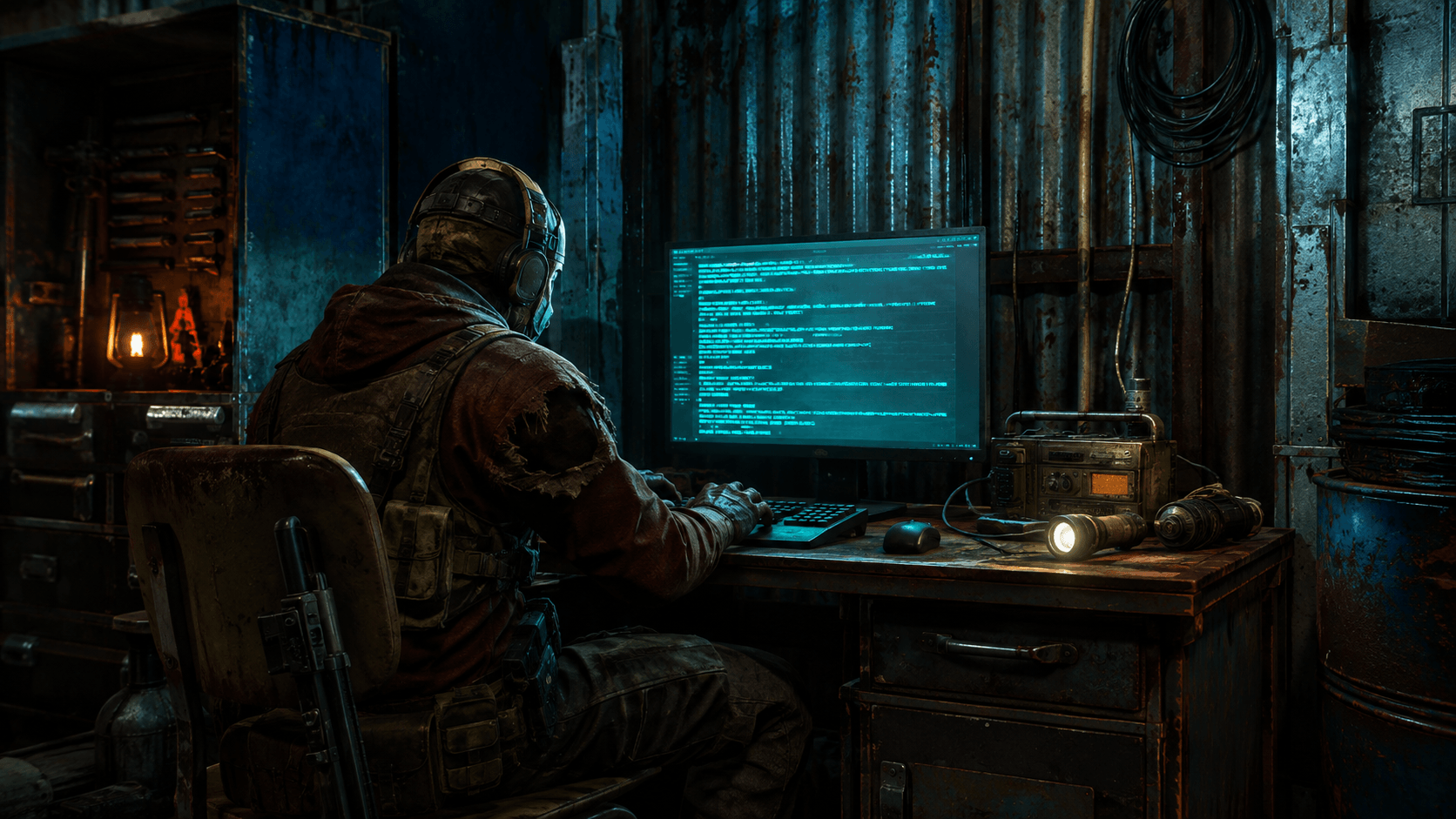
Useful console commands and binds in Rust: connection, combatlog, FPS, auto-run, team chat, saving settings, and the difference between admin commands.
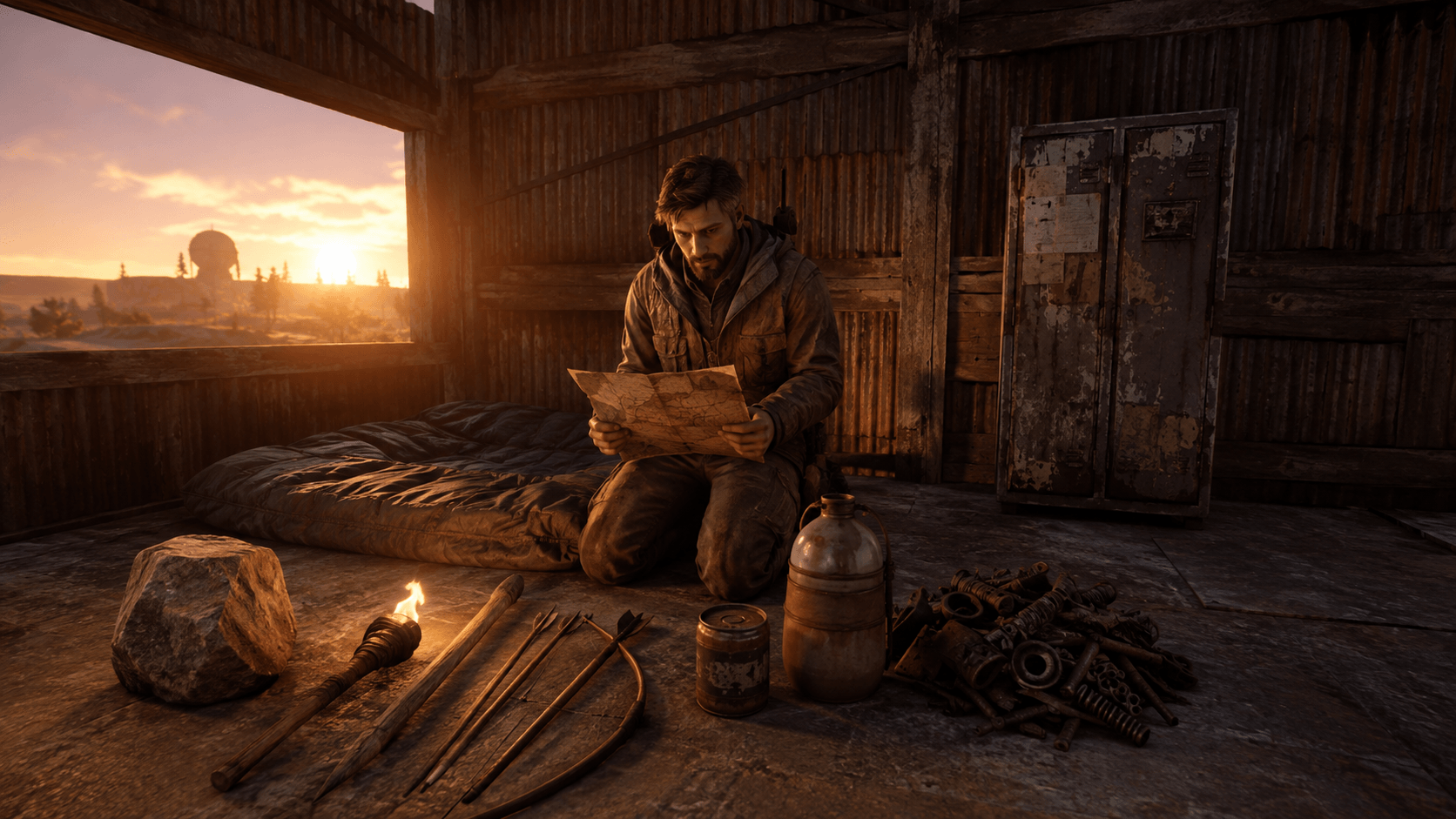
Frequently Asked Questions about Rust: servers, wipes, base building, sleeping bags, blueprints, weapons, FPS, and beginner's first steps after a global wipe.
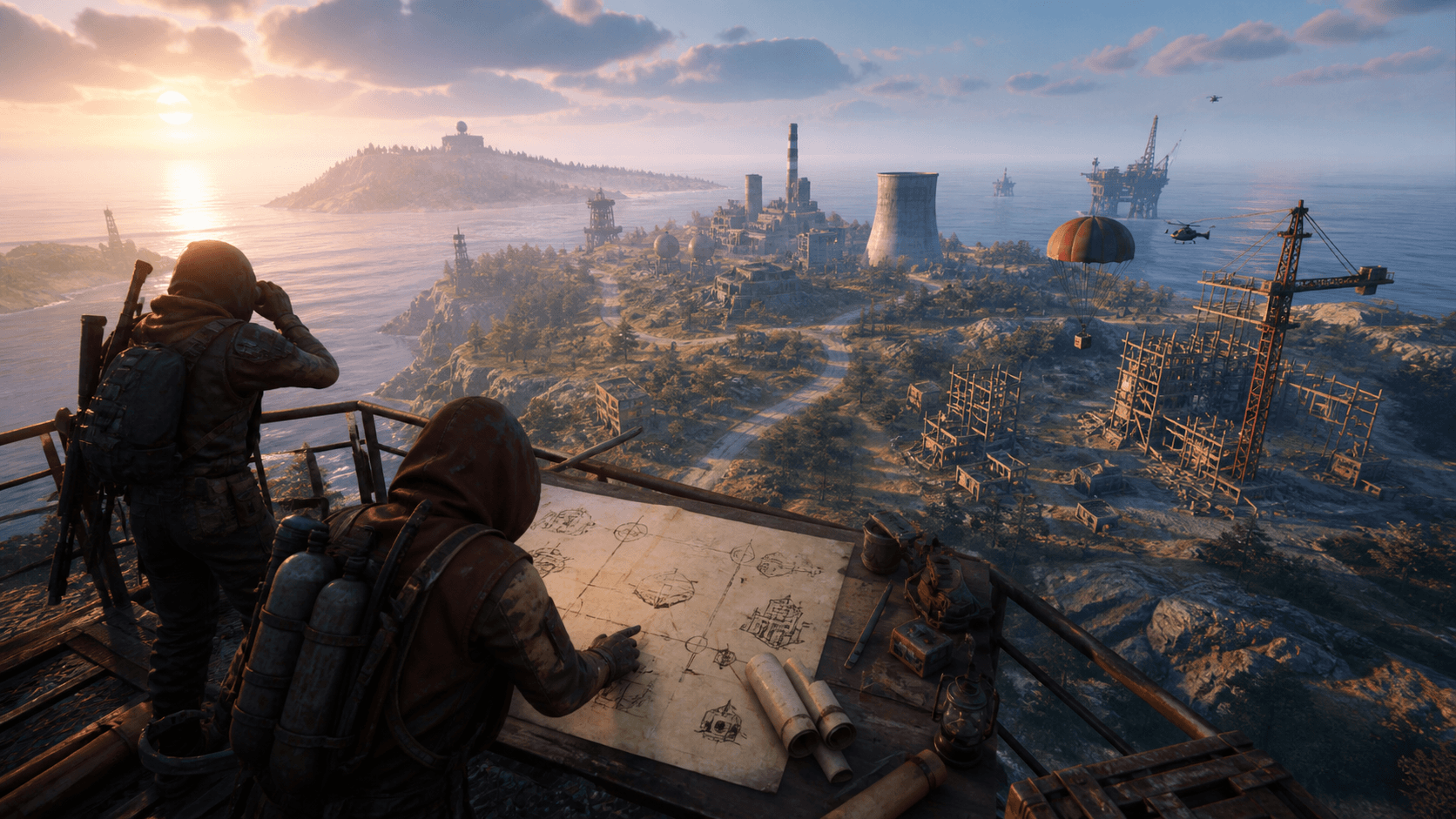
Where to follow Rust updates: fresh devblog, roadmap, Staging, patch notes, hotfixes, and preparation for the global server wipe.
Start with one change and measure before and after. Low frame rate, short freezes, and high ping require different checks. Below are the steps for your symptom and comparing the results.
Make three identical runs before the change and three after. Fill in the average FPS of each run from your counter or recording program. The location, server, measurement time, and FPS limit should match.
Fill in the measurements - the comparison will appear here. There are no ready promises of "+100 FPS": the result depends on your PC and the scene.
This is a trial and error process, not a universal preset. Save your current settings and revert the parameter if it affects visibility without providing consistent gains.
If freezes coincide with memory usage, check background programs and texture quality. Facepunch recommends SSD and Windows automatic page file management. After changing system settings, restart your PC and repeat the same route. Disabling the page file may worsen the situation.
In June, Rust received new player models and animations. In October, developers removed duplicated hand meshes and reported saving around 100 MB of memory. This is a client-side change, not a command for the config; it does not promise a fixed increase in FPS. After major patches, re-run benchmarks instead of transferring old results.
Explanations are cross-referenced with Facepunch documentation and updates. FPS comparison uses your measurements on your PC.
Choose a game mode and copy the server address without registering on the website.





Latest comments