












Optimization | Guide | GPU Skinning Rust
GPU Skinning in Rust is a test branch that moves some animation calculations (character/weapon skinning) from the CPU to the GPU to reduce the CPU bottleneck and eliminate performance drops that are especially noticeable in "heavy" scenes or when holding weapons .
What does GPU Skinning provide?
Reduces CPU load: in CPU-dependent situations, this can increase FPS and reduce micro-stuttering, as animation calculations are performed by the graphics card .
Facepunch recommends trying this branch if you experience "unexplained" FPS drops while holding a weapon, as the effect often manifests itself in such cases .
FPS bonus (realistic)
The gain is not guaranteed and depends on the balance of CPU vs. GPU performance, graphics settings, and the specific scene .
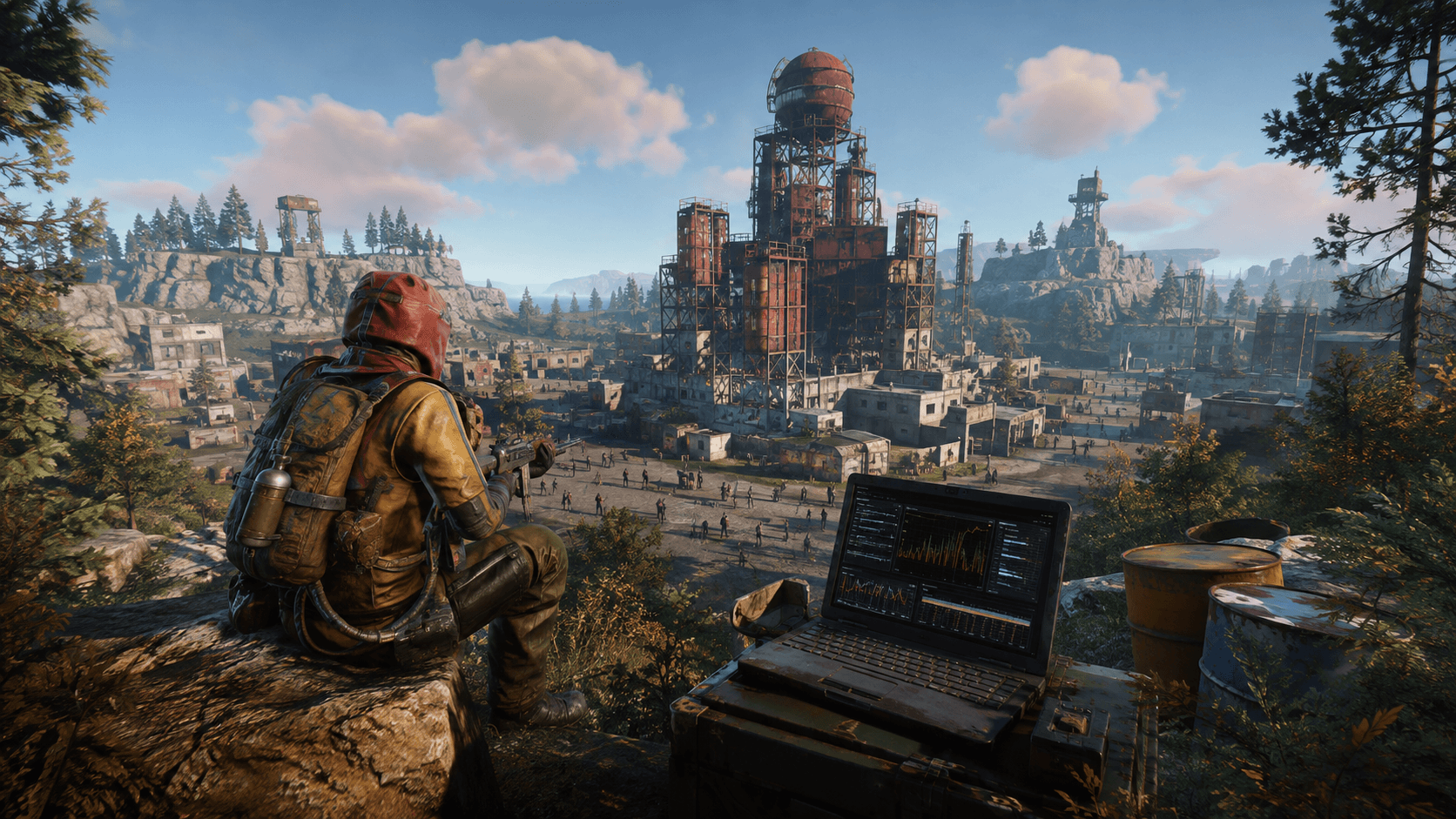
Using an example from an optimization test, the author achieved 53 FPS versus 38 FPS in one scene (Outpost) after enabling GPU Skinning, but this is an individual result and not a guarantee for all PCs .
If you're already limited by your graphics card (GPU is constantly at 95–100% on high/ultra settings), the effect may be zero or even worse, because you're adding more GPU work .
How to enable (Steam → Beta)
Steam → Library → Rust → RMB → “Properties”.
The “Beta versions” tab.
Select “GPU Skinning test” from the drop-down list.

Note: You can stay on this branch permanently, but if you later have problems with launching, just exit the testing branch back to the regular one.
Here are the results after application:
TO:
AFTER:


Latest comments